
Looking for something fun to do with your kids? Don’t just go to the movies—make one at home!
It has been a busy year at our house hosting movie premieres. Our exclusive screenings of Oh, Oh, Crash, Up, Up and Away, and Fire, Fire (the disaster movie trilogy) were a proud three minutes for our 4-year-old director/producer/actor. Movie making may be big business in NZ now, with a booming creative tech industry, but small Kiwi directors love producing films too. (Remember, Peter Jackson started with low-budget productions!)
With affordable smartphones, easy-to-use editing apps, and even AI tools, all children—from preschool to high school—can now enjoy the filmmaking process. This project is guaranteed to entertain them far longer than simply watching a movie.
Why Movie Making is Great for Kids
Filmmaking is not only fun but covers a wide range of skills. Your children will brainstorm plots, organise storyboards, set up scenes, act or animate, use a camera, edit, choose background music, and create voiceovers. Boosting imagination is essential for language development, and activities like this help children reach the language learning summit.
What Are You Plotting?
Encourage older children to brainstorm longer, more complex plots. Work together to rewrite and enjoy the creative back-and-forth. With preschoolers, let their imagination lead the way, even if it’s a bit random. We found that creating a pen-and-paper storyboard was helpful. Drawing a sequence of 5–6 squares helped illustrate how stories have a beginning, middle, and end.
For online storyboarding tools, check out KidsVid’s movie-making resources. They also have tips on camera techniques and short tutorial videos.
And “Action!”
Encourage your children to follow their storyboard while scouting the best locations for their scenes. This could be your local park, a nearby nature reserve, or simply the living room. For props, look around the house—costumes, toys, or even AI-generated prints of unique backgrounds can spark creativity.
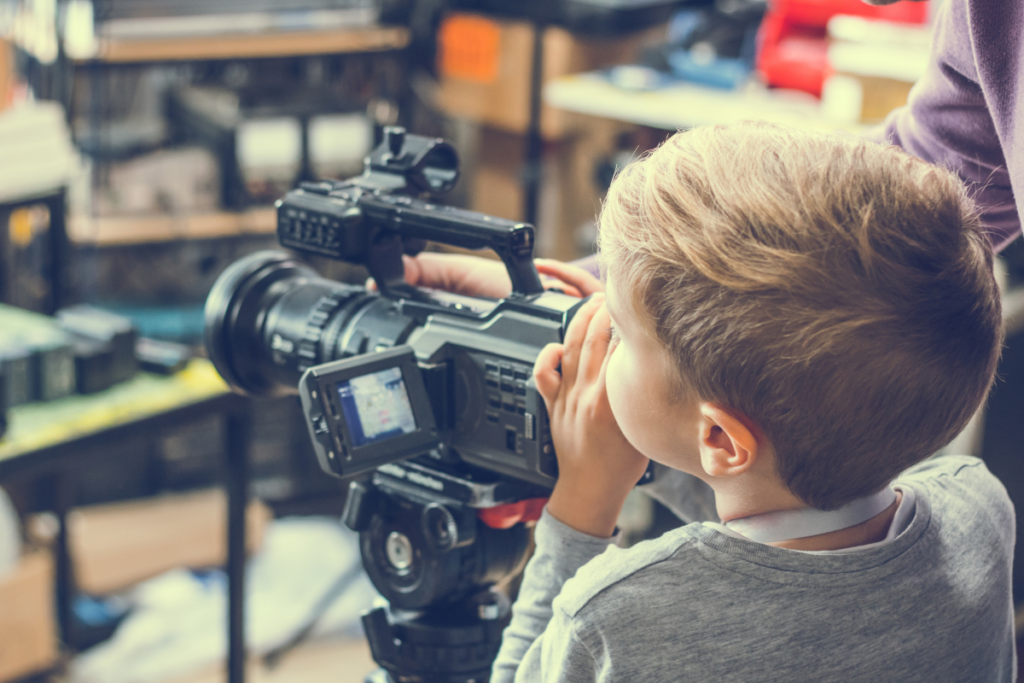
Short bursts of filming on your smartphone are perfect for later editing. Some smartphones even offer built-in cinematic modes that allow budding directors to add professional effects.
Then the Magic Bit
Modern editing tools make movie production more accessible than ever. Platforms like CapCut and iMovie are simple to use and include options to add special effects, colour grading, voiceovers, and background music. For an advanced touch, some AI-driven tools like Runway ML can help kids remove objects from scenes or create special effects.
After importing their movie clips, your kids can experiment with transitions, black-and-white filters, zoom-ins, and fade-outs. To finish, they can add titles, credits, and even subtitles.
Silent Movie Project
Introduce your children to silent movies (search for examples on YouTube) and then try making one together!
Steps for a Silent Movie Project:
- Find instrumental music and create a story to match it.
- Use lots of action in the plot.
- Think of costumes, facial expressions, and movements to bring characters to life.
- Edit the movie using black-and-white and ageing effects to give it an old-time feel.
- Mute the sound and add background music.
- Insert written speech or comments using titles before various clips.
For more creative family projects, explore Craft Ideas for Creative Kids.
Kelly Eden-Calcott is an at-home mum and ex-teacher with three beautiful daughters. She has made special appearances in a number of home-grown films (and even one real one!), but prefers to be behind the scenes.